
School and university.
The week with rooms and teachers. Ask on Sunday night what Monday looks like, and it answers from the calendar.
"Can I photograph a school or training timetable and have every session in my calendar with reminders?" Yes. Here is what that looks like.
Try it freeSee it happen ↓Send the photo to Handled in WhatsApp and say which calendar. Every session becomes an entry with a reminder before it, through the end date printed on the timetable. Twenty-two entries from one photo is normal. Change one line in words, "swimming moves to eleven from October", and the series changes from that date on.
One message on the left. What lands in the calendar on the right.
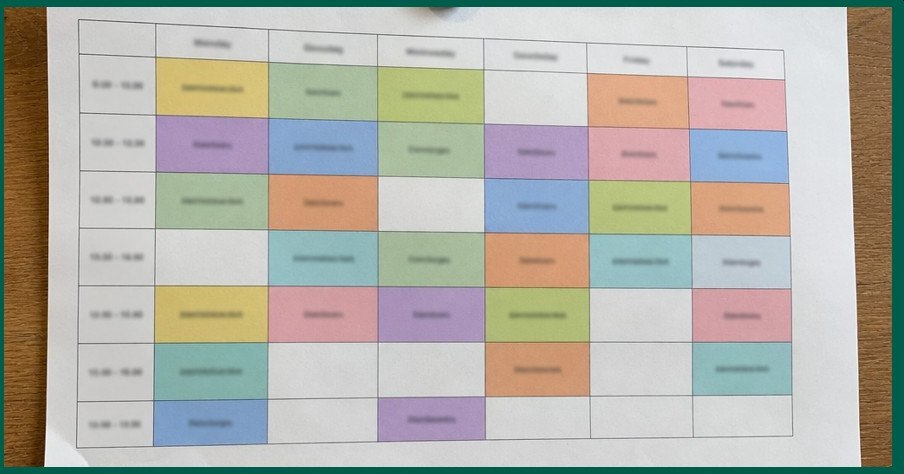 Here is Noah's schedule for the autumn. Put it in the calendar.
Same three entries every week through 12 December. A reminder on the phone 30 minutes before each one.
Anything printed with days and times on it. Photographed straight on, in daylight, it reads the lot.
The week with rooms and teachers. Ask on Sunday night what Monday looks like, and it answers from the calendar.
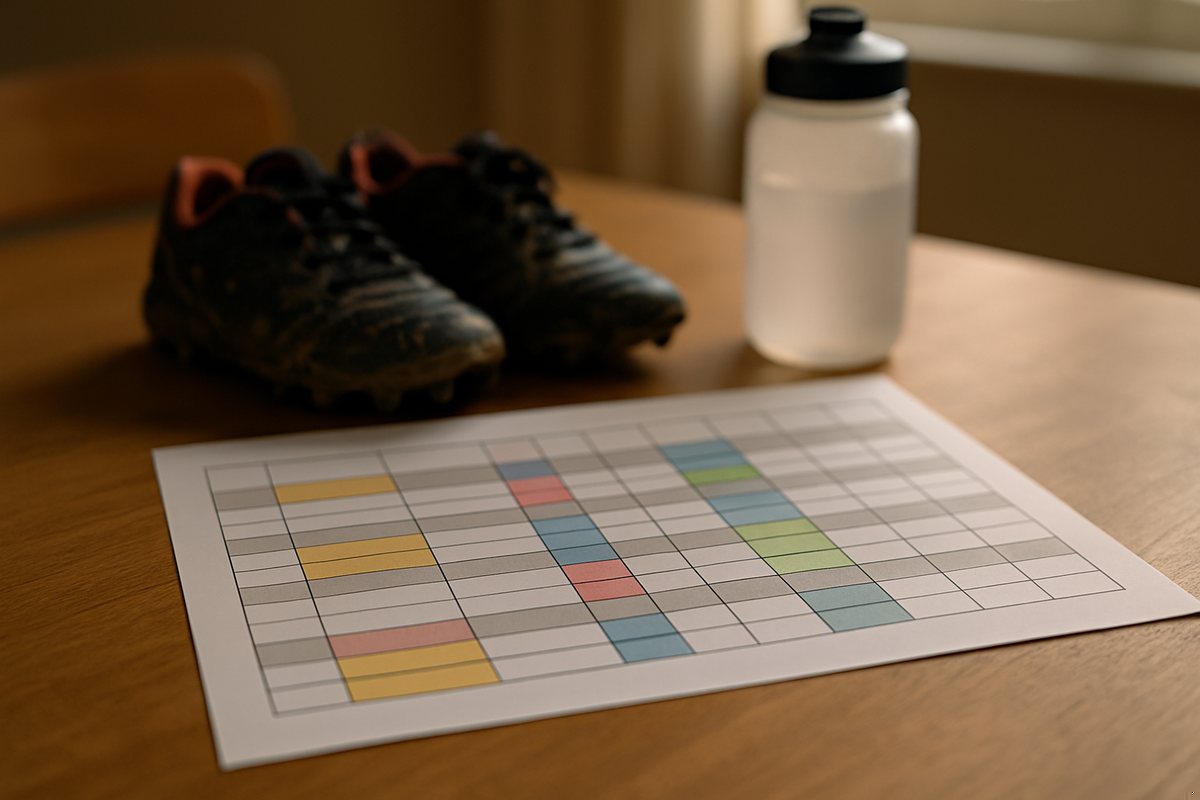
Practices and matches, home and away, with the venue on each entry. The Saturday away game gets its own earlier reminder if you say so.
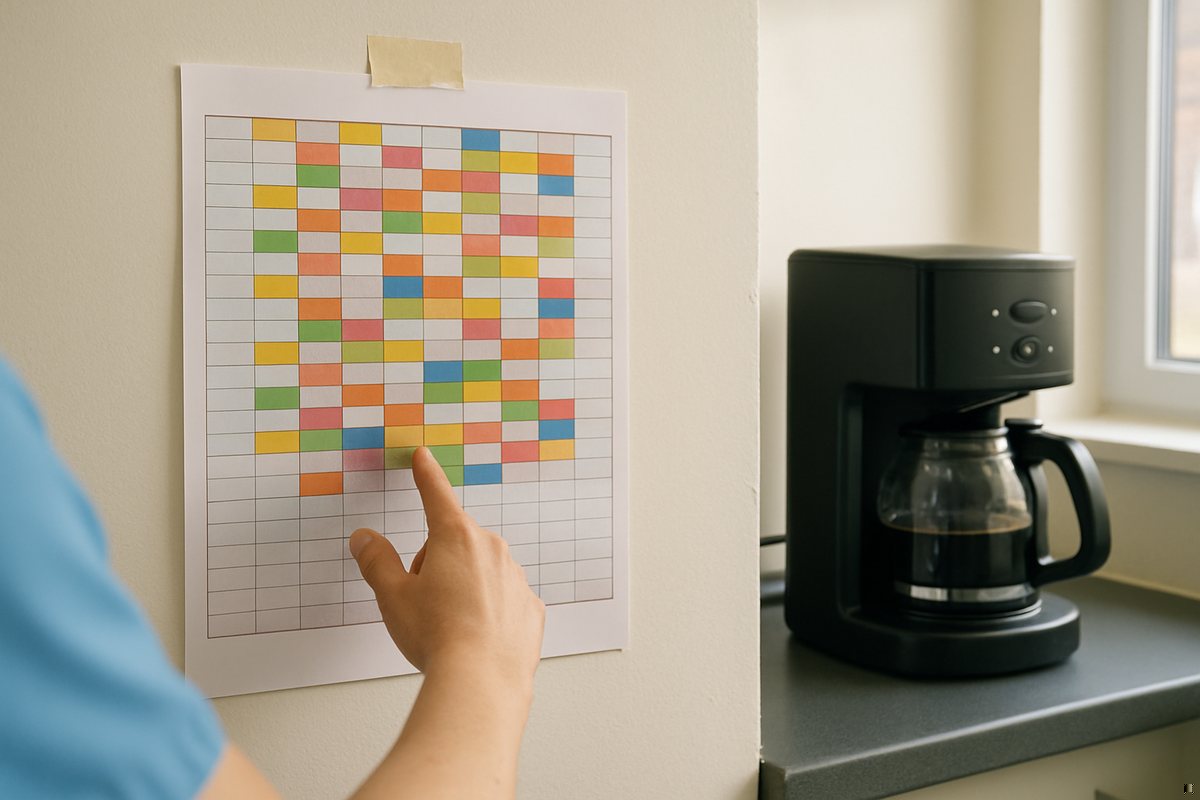
Yours, or the whole team's if you tell it whose. Early shifts get a reminder the evening before, not thirty minutes before.

A conference, a course, a trip itinerary. Each talk or leg becomes an entry, and the morning briefing lists the day.
The timetable is never the last word. Three things people write in the weeks that follow.
The series changes from that date. Past entries stay as they were.
Said once, applied to every football entry. Other sessions keep their thirty minutes.
Answered from the calendar, in the chat, with the venue. The morning briefing does the same every day at the hour you choose.
A connected calendar, Google or Microsoft 365. Connecting takes about twenty seconds from the dashboard, and Handled tells you when it is needed, not before. If the photo is unclear it asks about the one line it could not read, not the whole thing.
Google Calendar and Microsoft 365, including several calendars on one account. You choose which one when you send the photo, or set a default once.
Say the number of minutes once, for example an hour before football, and it applies to the series.
Send the new photo or write the change. It updates the series from that date and leaves the past alone.
It asks about the one line it could not read, not the whole timetable. Straight on, in daylight, reads best.
Yes. Shift rotas, university weeks, a conference programme, a season of matches. Anything with days and times on it.
The message does, the entries do not. The free plan is five messages a day, and one photo is one message, however many entries it makes.

Add Handled as a contact in WhatsApp, connect your calendar once, send the photo. The season is in the calendar before you have put the phone down. Free to try, no app to install.