
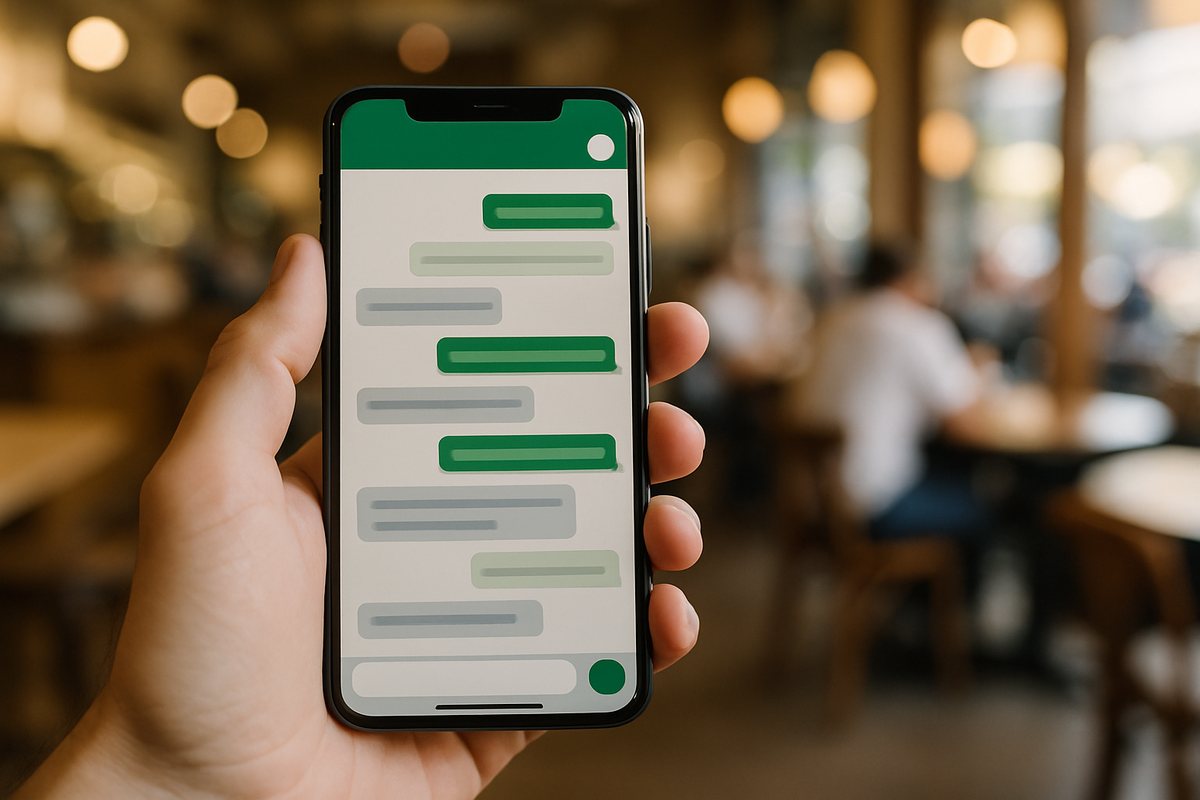
WhatsApp.
Add a contact. Write to it. That is the setup.
A productivity assistant that lives in WhatsApp, Telegram and Microsoft Teams. Reminders, calendar, email, photos of bills and timetables, voice notes, lists and pages. Free to try, no app to install.
Start freeSee a Tuesday ↓Four real moments, the messages as they look in the chat. Each one has its own page.
Every morning at your hour →
Amount, date, reminder →
Tasks with reminders, nothing typed →
Calendar and email, after you say yes →
In the chat you already open fifty times a day. No app, no new habit.
Add a contact. Write to it. That is the setup.

Same assistant, same memory, in Telegram.

For companies: one assistant per person, inside Teams.

Every person runs in an isolated environment on Google Cloud. Nothing is shared between people.

Every action that changes something, an email, a booking, a payment reminder to someone else, is confirmed with you.

Not by us, not by the model providers. Encrypted at rest and in transit. Export or delete everything from the dashboard.
Write in Swedish, Spanish, Arabic, whichever. It answers the same way and confirms times in your time zone.
Sign in, connect WhatsApp, say hi. Under a minute.
“I just text it like a friend and it handles everything. My calendar, emails, reminders, all done.”
“I replaced three apps with one WhatsApp chat. The morning briefings alone are worth it.”
“It tracked a flight deal for me and messaged me the second the price dropped. Saved me $400.”
Five messages a day, unlimited tasks, all integrations, no card. Reminders, briefings and jobs never count.
A personal productivity assistant that lives in your WhatsApp. It connects to your calendar, email, and tasks, and takes real actions for you. Send a message, and it handles the rest: scheduling, reminders, price tracking, email management, and much more. Telegram is also supported.
Sign in with Google or Microsoft and connect WhatsApp. Your assistant is ready in under a minute. You can also connect Telegram, Gmail, Calendar, Todoist, and more from the dashboard.
A regular chatbot answers questions inside a chat window. handled.sh connects to your calendar, email, and task apps, takes action on your behalf, and proactively reaches out with reminders, alerts, and daily summaries. It runs in your own private environment, not a shared service.
Yes. Every user gets their own isolated container. Your data never touches another user's environment. We don't sell your data, don't train on your conversations, and don't track your behavior.

Something you do not want to forget this week. Add Handled as a contact, write that one thing, and see what comes back. Free to try, no app to install.