
Utility bills.
Electricity, water, internet, phone. Amount, due date, reminder.
"Bills and the school timetable reach me as photos on WhatsApp. Can something read them and remind me before the date?" Yes. Forward the photo, or take one.
Try it freeSee it happen ↓Forward the photo, or take one. Handled reads the amount, who it is from and the due date, and asks one question: remind you the day before? Say yes and the reminder is set. Bills, invoices, the school timetable, a parking fine, a letter with a deadline. Several photos in a row get one answer with the total.
The chat on the left. What it produced on the right.
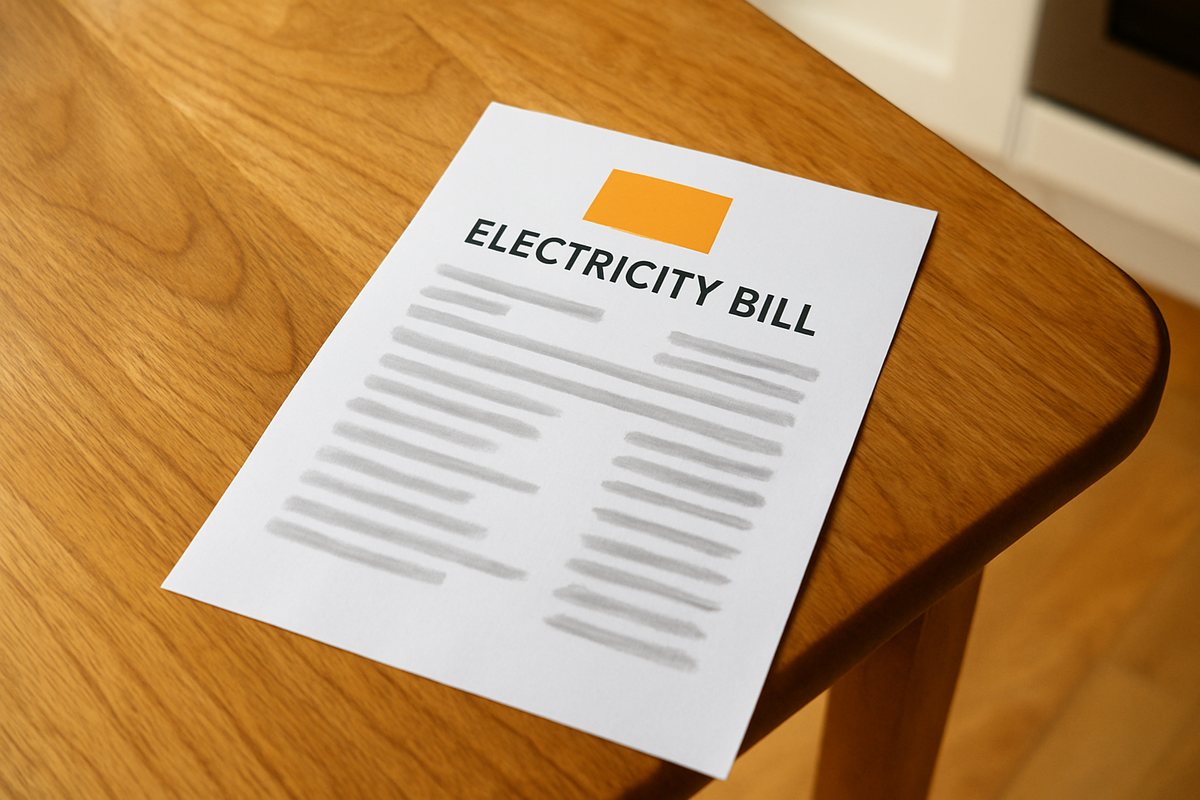 (photo of the electricity bill)
Three facts and a reminder, from one photo. Send three bills in a row and you get one answer with the total.
Four situations people use this for every week.
Electricity, water, internet, phone. Amount, due date, reminder.
Into the calendar with the amount, so the cash is there on the day.
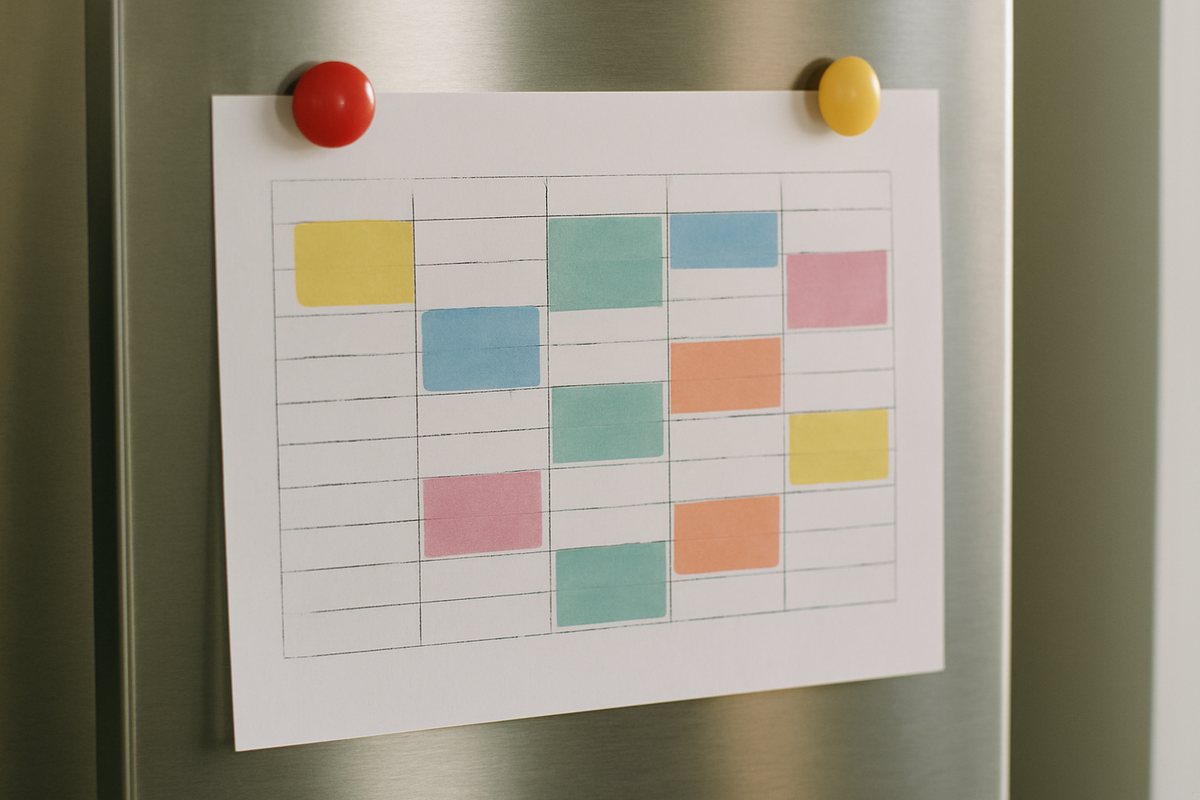
Every session in the calendar with a reminder. See the timetable page.
Amount, reference, pay-by date, and how to contest.
The first message is never the last. Three things people write in the weeks that follow.
Answered from the bills you sent.
Send them in a row and ask once.
An event with the amount in the title.
Nothing to connect for reading and reminders. A connected calendar gets the due date as an event. It does not pay the bill; it reads, reminds and keeps the reference for you.
Bills, invoices, receipts, timetables, letters, tickets. A photo taken straight on in daylight reads best.
No. It reads the amount and the date and reminds you. Paying stays with you.
A reminder in the chat, and an event in your calendar if one is connected.
Yes. Send them in a row and ask for the total or the list.
It asks about the one line it could not read, or asks for a second photo of that part.
In your own environment only, until you delete it. Nothing is shared.
Forward the photo as it arrives. The amount, the date and the reminder come back in the chat. Free to try, no app to install.