

In the chat.
No app. Add, ask, close, move.
"Can I keep my to-do list by writing to WhatsApp, and have it in Todoist too?" Yes. Add, ask, close and move tasks in plain words.
Try it freeSee it happen ↓Add, ask, close and move tasks in plain words. Handled keeps the list, reminds you before the ones with a time, and mirrors everything to Todoist if you connect it. Ask what is left for today and it answers in the chat.
The chat on the left. What it produced on the right.
One list, kept in the chat and in Todoist. Reminders before anything with a time.
Four situations people use this for every week.
No app. Add, ask, close, move.

Same list, mirrored both ways, with projects and labels.

Talk in the car, tasks appear. See the voice note page.
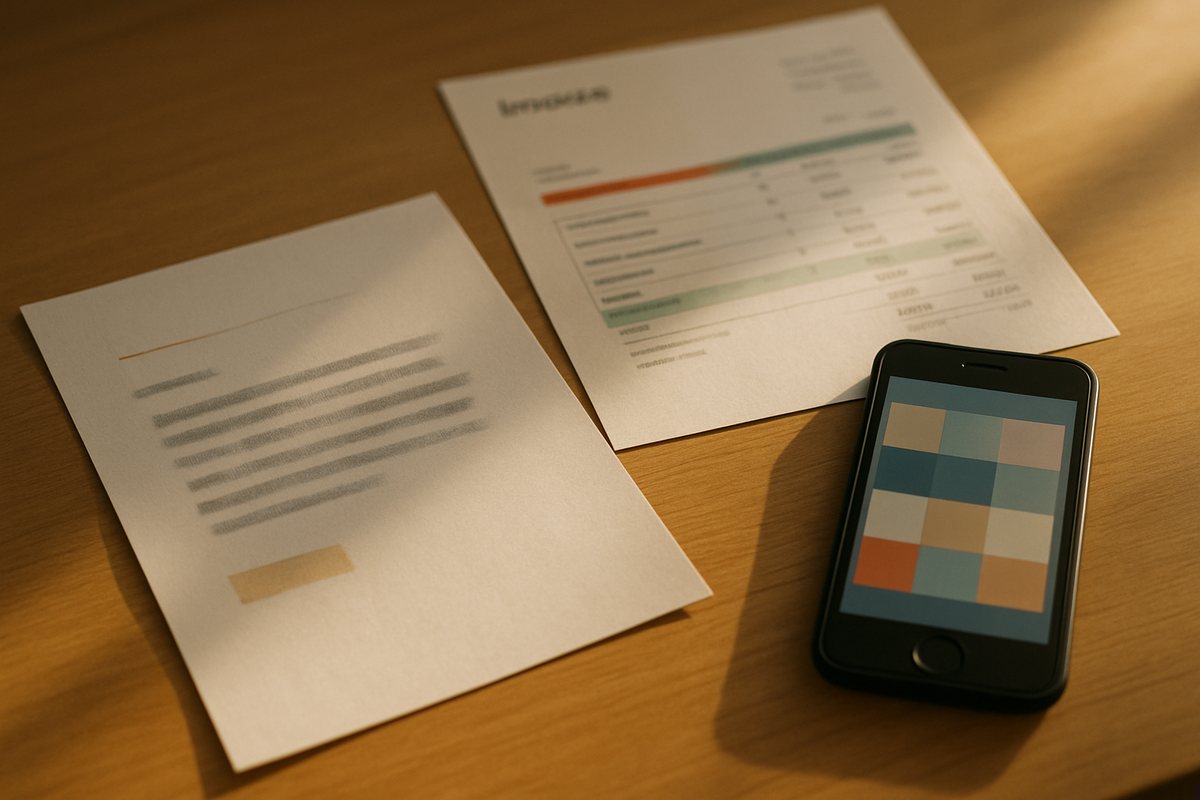
The letter that wants a reply, the invoice that needs paying, as tasks.
The first message is never the last. Three things people write in the weeks that follow.
Answered from the list.
A rule, applied to all.
Grouped, in the chat and in Todoist.
Nothing to connect for the list itself. Todoist takes twenty seconds from the dashboard and mirrors both ways. Tasks with a time get a reminder before it; reminders never count against the free plan.
No. Without it, Handled keeps the list. With it, both stay in sync.
Yes. Closing it there closes it here.
Yes. Ask for today, this week, or a project.
Deleting it in one place deletes it in the other.
Not yet. Todoist is the first one.
Yes, one message per add. Reminders never count.

One line. It is on the list, in Todoist, and it reminds you when the time comes. Free to try, no app to install.