

Documents.
PDF, Word, Google Docs. Summaries, dates, amounts, the clause you are looking for.
"Can I send a Google Drive link to an assistant in WhatsApp and ask about the document?" Yes. Paste the link with what you want to know.
Try it freeSee it happen ↓Paste the link with what you want to know. Public links are read at once. For a private one, share it with the reader address it gives you, then send the link again. Ask for the dates, the numbers or a summary, and set reminders from what it finds.
The chat on the left. What it produced on the right.
Three files read, two dates found, one reminder set. Ask a follow-up and it goes back to the files.
Four situations people use this for every week.
PDF, Word, Google Docs. Summaries, dates, amounts, the clause you are looking for.

Budgets, lists, timetables. Ask for a total or a row.

Up to 20 files at once. It lists them and reads what you point at.
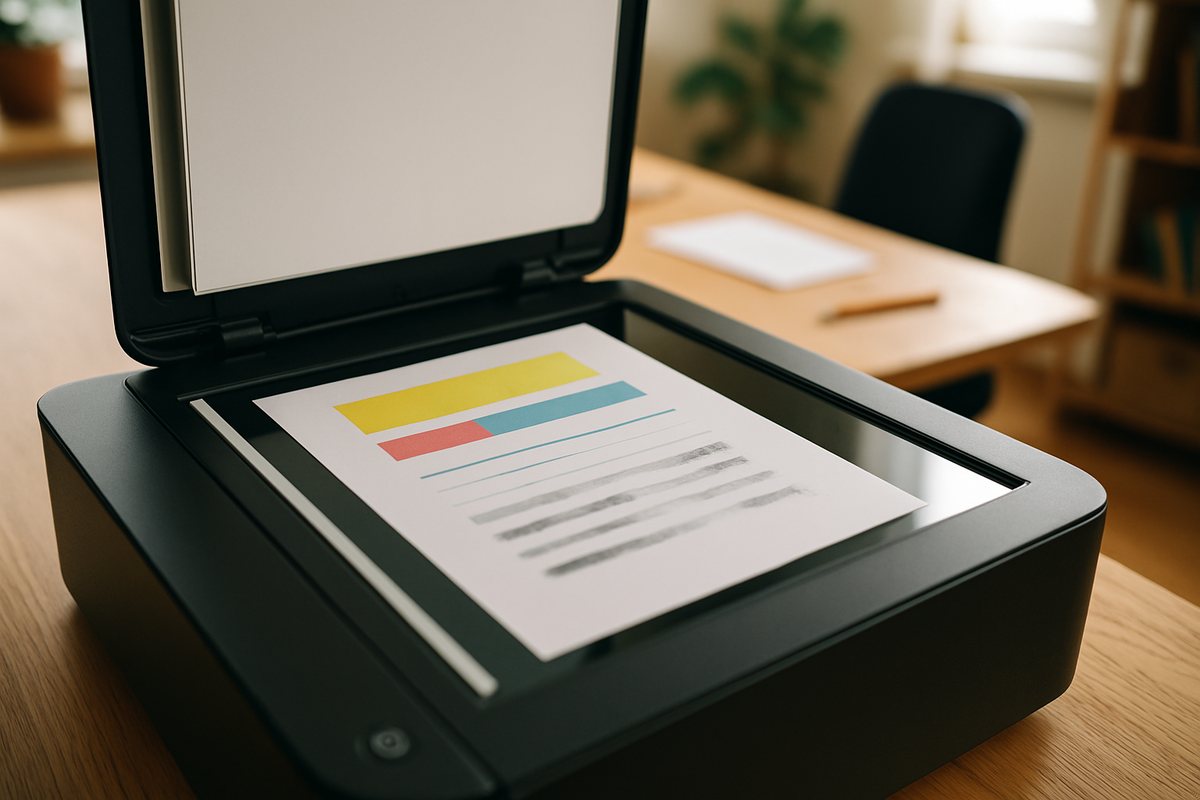
A scanned letter in Drive is read like a photo in the chat.
The first message is never the last. Three things people write in the weeks that follow.
Answered from the file, weeks later.
An event with a reminder.
From your own address, if email is connected.
A Google Drive link. Public links work at once; for private ones, share the file with the reader address Handled gives you. Dropbox and OneDrive links are not read yet; a downloaded file sent in the chat works.
No. A link is enough; for private files, share them with the reader address.
Not yet. It reads, summarises and sets reminders from it.
Not yet. Send the file in the chat instead.
Files up to about 25 MB are read in full.
Only what is needed to answer, in your own environment. Remove the share and it cannot read it again.
Yes, a scanned letter or a photo of a bill is read like a photo in the chat.

Add what you want to know. The answer, the dates and the reminders come back in the chat. Free to try, no app to install.