
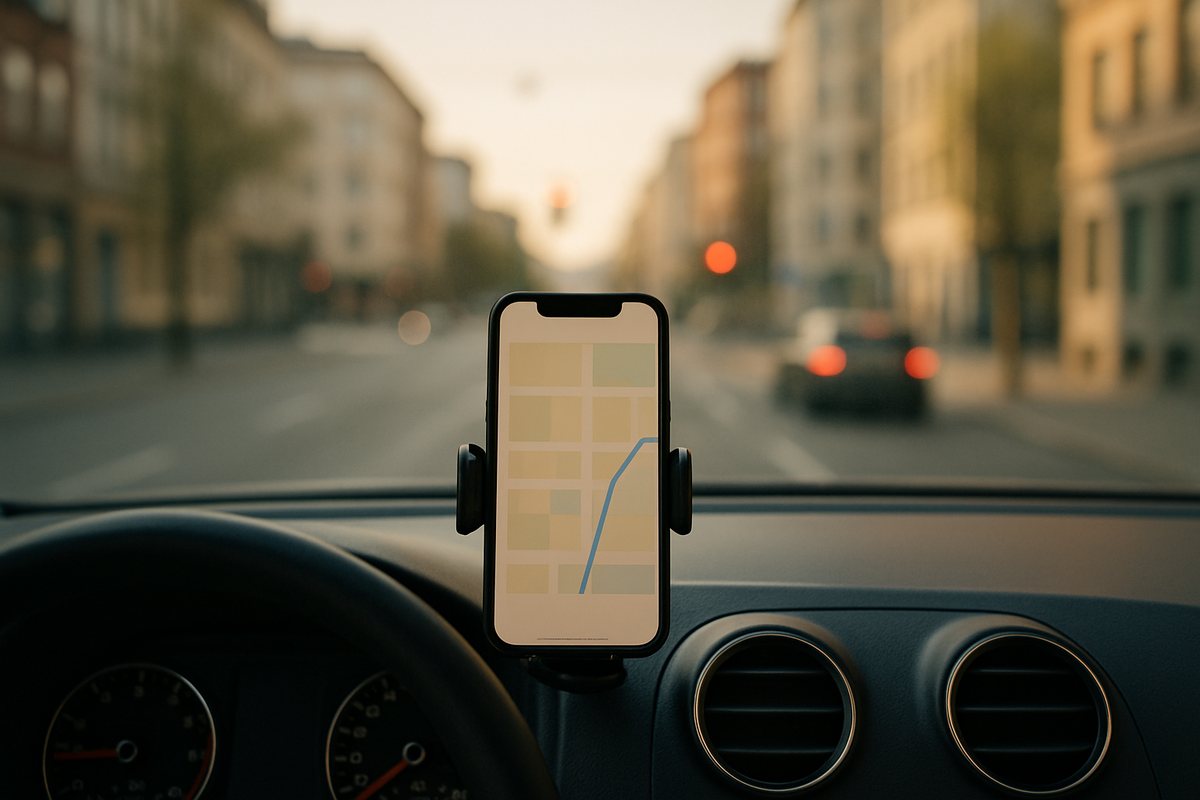
From the car.
Said at a red light, in the calendar before you park.
"Can I fill my calendar by voice note, from the car, and have it just work?" Yes. A line from the car, an event in the calendar, in your time zone.
Try it freeSee it happen ↓Send a voice note or a line of text. Handled puts the event in Google Calendar or Microsoft 365, confirms the time in your time zone, and adds the reminder you asked for. Move things by saying so. Ask what is on Thursday and it reads the day back.
The chat on the left. What it produced on the right.
Two voice notes, two calendar changes, one question answered. Nothing opened.
Four situations people use this for every week.
Said at a red light, in the calendar before you park.

The follow-up meeting, booked while you still remember the date.
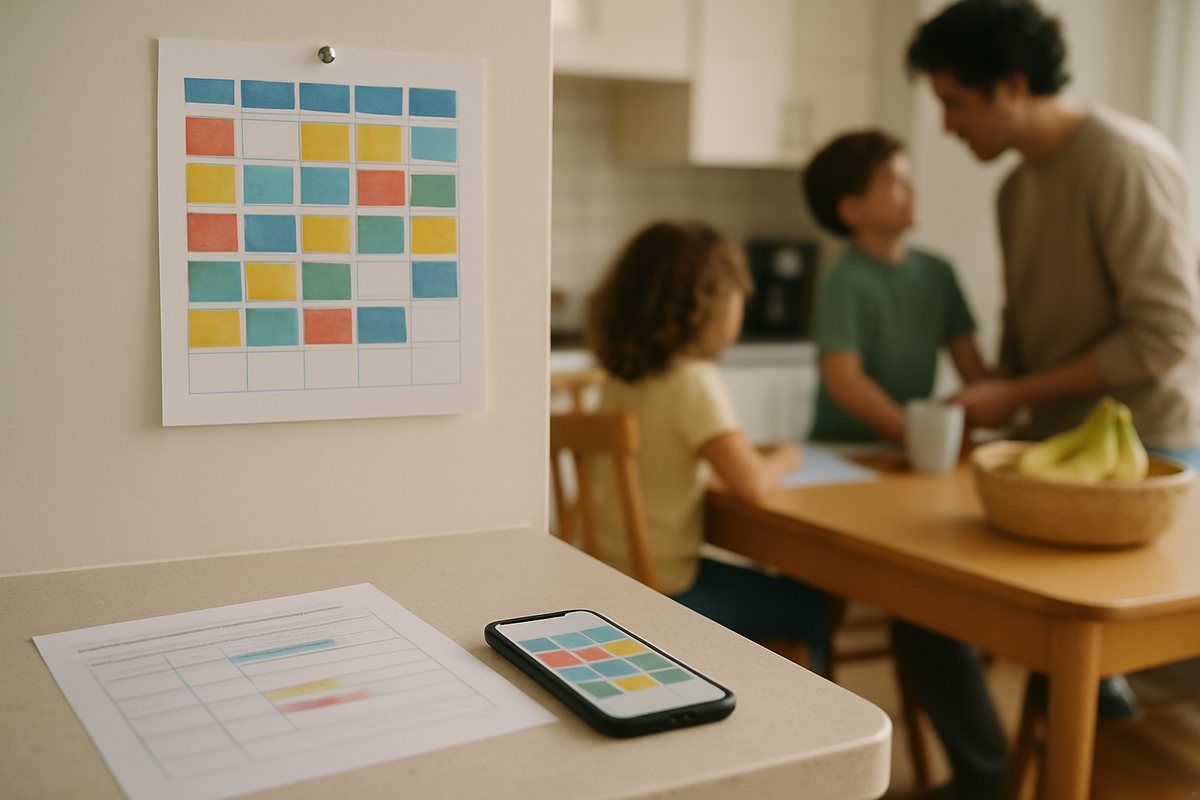
Pickups, practices, the dentist. One calendar the family shares.
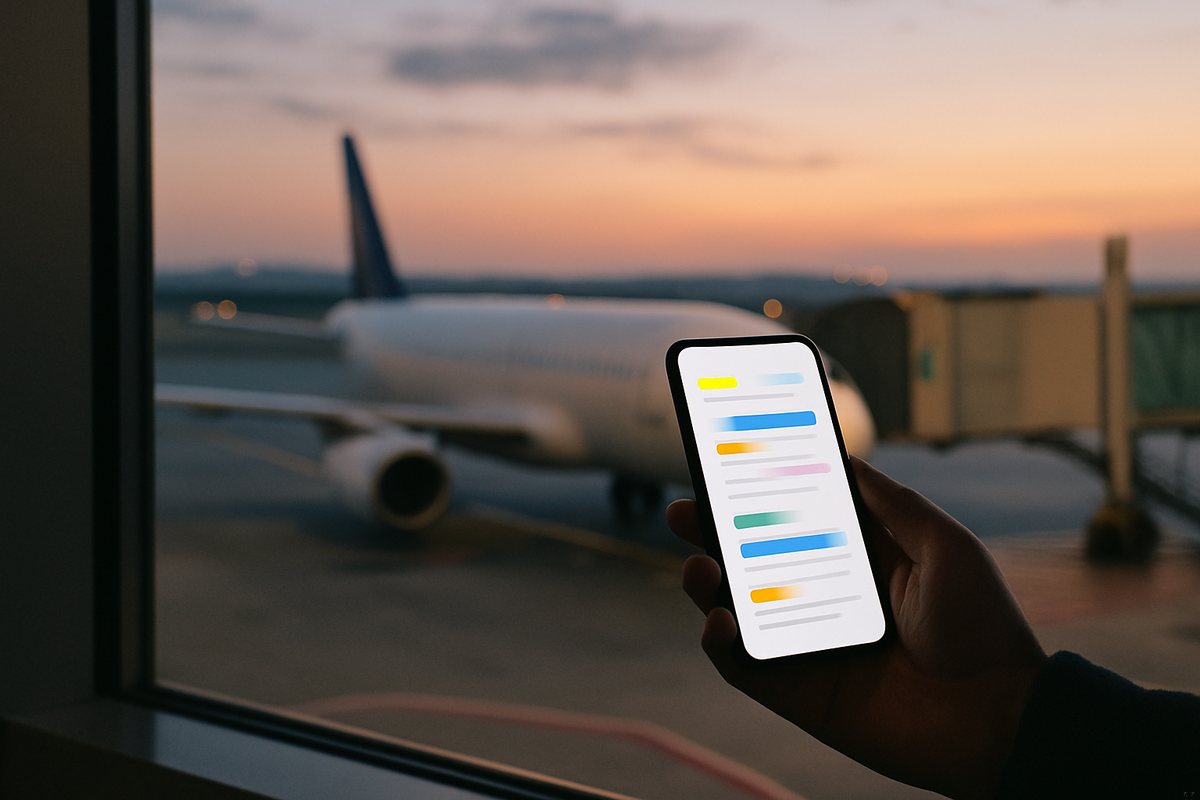
Flight, hotel, the meeting on arrival, in the time zone you land in.
The first message is never the last. Three things people write in the weeks that follow.
The day read back, in the chat.
Moved, and it tells you who else was invited.
A rule, applied to every matching event.
Google Calendar or Microsoft 365 connected once from the dashboard, about twenty seconds. Voice notes in any language it can hear, including mixed languages in one note.
Google Calendar and Microsoft 365 including Outlook, several calendars on one account.
Yes, in the language you speak, and it confirms in the same language.
It confirms every time in your time zone, and in the other person's if you name one.
Yes, name them and it adds them as attendees.
Yes. Ask what is on tomorrow, this week, or with a person.
Yes, one voice note is one message on the free plan.

One line, spoken or typed. It lands in the calendar and comes back confirmed. Free to try, no app to install.